OpenAI या Claude एजेंट में रियल-टाइम Web Search को 4 चरणों में कैसे जोड़ें
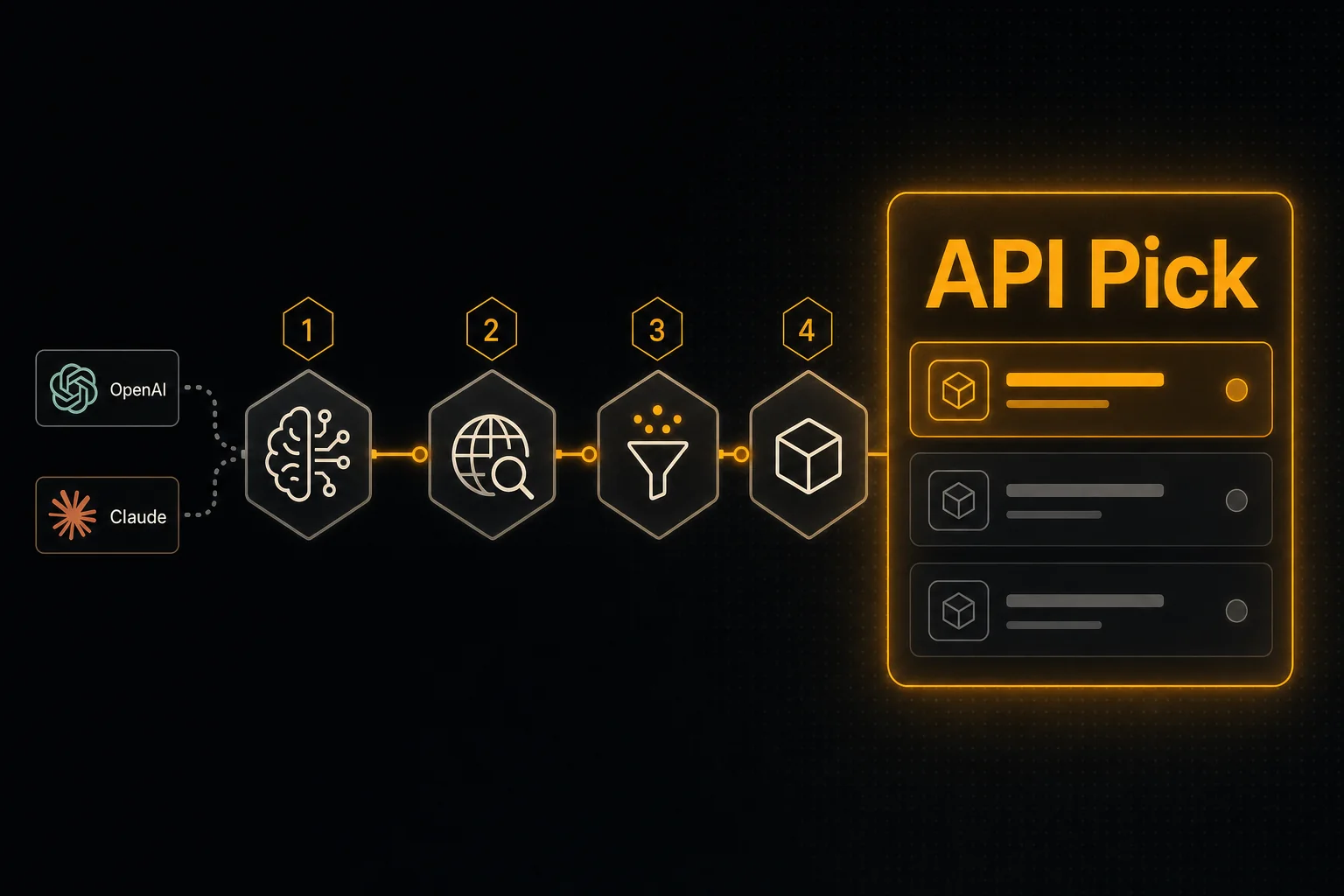
चाहते हैं कि आपका एजेंट उत्तरों को मौजूदा जानकारी पर आधारित करे? आपको ठीक दो चीज़ों की ज़रूरत है: एक search API जो LLM-ready snippets लौटाए, और एक tool definition जिसे मॉडल call कर सके। यह गाइड दोनों को 4 चरणों में करती है।
TL;DR
- •चरण 1: एक API key (मुफ़्त) लें और curl से endpoint आज़माएँ।
- •चरण 2: OpenAI/Claude tool schema सीधे API से लें — JSON हाथ से न लिखें।
- •चरण 3: tool को अपने एजेंट के साथ रजिस्टर करें (OpenAI Assistants, Anthropic Messages, LangChain या n8n)।
- •चरण 4: वह tool handler लागू करें जो /api/search/web को call करता है और परिणाम मॉडल को लौटाता है।
यह क्यों छोटा है
अधिकांश \"अपने LLM में web search जोड़ें\" ट्यूटोरियल लंबे होते हैं क्योंकि वे असल में किसी search-API SDK या भारी-भरकम एजेंट framework के बारे में होते हैं। यह वैसा नहीं है। पूरा काम है: एक endpoint चुनें, उसे tool के रूप में रजिस्टर करें, 5-पंक्ति का handler लिखें।
1एक API key (मुफ़्त) लें और endpoint को call करें
apipick.com/dashboard/api-keys पर साइन अप करें। नए अकाउंट को 100 मुफ़्त credits मिलते हैं — कोई credit card नहीं। एक key बनाएँ और endpoint आज़माएँ:
curl -X POST https://www.apipick.com/api/search/web \
  -H "x-api-key: pk_yourkey" \
  -H "Content-Type: application/json" \
  -d '{"query": "what is retrieval augmented generation"}'
आपको titles, URLs और snippets की एक छोटी ranked सूची मिलेगी। curl में यह काम करता है इसकी पुष्टि बाद में debugging का समय बचाती है।
2tool schema लें (इसे हाथ से न लिखें)
API Pick पेस्ट करने के लिए तैयार tool schema को GET /api/search/web/tool-schema पर उपलब्ध कराता है। response में एक OpenAI-style function definition और एक Claude tool use definition दोनों शामिल हैं।
curl https://www.apipick.com/api/search/web/tool-schemaपरिणाम को cache करें — यह calls के बीच नहीं बदलता। function schemas हाथ से लिखना एजेंट कोड में bugs का सबसे आम स्रोत है (गलत type, गलत required fields, गायब description)।
3tool को अपने एजेंट के साथ रजिस्टर करें
OpenAI Assistants
from openai import OpenAI
import requests

client = OpenAI()
schema = requests.get("https://www.apipick.com/api/search/web/tool-schema").json()

assistant = client.beta.assistants.create(
    name="Research Agent",
    model="gpt-4o",
    instructions="Use web_search whenever the user asks about current events or anything that changes after your training cutoff.",
    tools=[{"type": "function", "function": schema["openai"]}],
)
Anthropic Claude
import anthropic
import requests

schema = requests.get("https://www.apipick.com/api/search/web/tool-schema").json()
client = anthropic.Anthropic()

response = client.messages.create(
    model="claude-sonnet-4-6",
    max_tokens=1024,
    tools=[schema["claude"]],
    messages=[{"role": "user", "content": "Summarise this week's RAG research."}],
)
LangChain
from langchain.tools import tool
import requests

@tool
def web_search(query: str) -> dict:
    """Real-time web search. Use for any question that needs current information."""
    return requests.post(
        "https://www.apipick.com/api/search/web",
        headers={"x-api-key": "pk_yourkey"},
        json={"query": query},
    ).json()
n8n
एक HTTP Request node जोड़ें: method POST, URL https://www.apipick.com/api/search/web, header x-api-key: pk_yourkey, JSON body {"query": "{{ $json.query }}"}. इसे अपने एजेंट या LLM Chain node में जोड़ें। कोई SDK ज़रूरी नहीं।
4tool call को संभालें
OpenAI Assistants के लिए, जब run requires_action status पर रुकता है, तो search चलाएँ और output submit करें:
import json, time, requests
from openai import OpenAI

client = OpenAI()
KEY = "pk_yourkey"

def run_with_tool(thread_id: str, assistant_id: str):
    run = client.beta.threads.runs.create(thread_id=thread_id, assistant_id=assistant_id)
    while True:
        run = client.beta.threads.runs.retrieve(thread_id=thread_id, run_id=run.id)
        if run.status == "requires_action":
            outputs = []
            for call in run.required_action.submit_tool_outputs.tool_calls:
                if call.function.name == "web_search":
                    args = json.loads(call.function.arguments)
                    result = requests.post(
                        "https://www.apipick.com/api/search/web",
                        headers={"x-api-key": KEY},
                        json=args,
                    ).json()
                    outputs.append({"tool_call_id": call.id, "output": json.dumps(result)})
            client.beta.threads.runs.submit_tool_outputs(
                thread_id=thread_id, run_id=run.id, tool_outputs=outputs,
            )
        elif run.status in ("completed", "failed", "cancelled", "expired"):
            return run
        time.sleep(0.5)
Anthropic Messages API loop भी ऐसा ही है — जब response में tool_use block होता है, तो API को call करें, फिर परिणाम को अगले turn में tool_result content block के रूप में वापस भेजें।
loop को कसना
- tool description को मॉडल के नज़रिए से सेट करें: \"Use this when the user asks about current events, breaking news, or anything that may have changed after your training cutoff.\" यह न कहें कि \"यह एक web search API है\"।
- जब एक ही query किसी session में दो बार आए, तो अपने handler में परिणाम cache करें। Web search परिणाम ~मिनटों तक स्थिर रहते हैं; एक ही बातचीत में 15 credits दो बार चुकाने की ज़रूरत नहीं।
- जब freshness मायने रखे, तब एक
start_datefilter जोड़ें। बिना date filter के \"इस सप्ताह की खबरें\" अक्सर पिछले साल की headlines लौटाती हैं।
आगे कहाँ जाएँ
एक बार जब आपका एजेंट search कर सकता है, तो स्वाभाविक अगला कदम है linked pages को पढ़ना। दूसरे tool के रूप में URL Content Extraction API जोड़ें — वही auth, वही JSON रूप, प्रति call 25 URLs तक। \"search + extract\" का यह जोड़ सबसे छोटा उपयोगी research एजेंट है।
अक्सर पूछे जाने वाले प्रश्न
क्या मैं इसे Assistants के बजाय OpenAI Responses API के साथ उपयोग कर सकता हूँ?
हाँ। वही tool schema client.responses.create() में काम करता है — इसे tools=[{...}] के ज़रिए ठीक वैसे ही पास करें जैसा OpenAI docs में दिखाया गया है। handler का रूप एक जैसा है: tool_calls को parse करें, POST /api/search/web चलाएँ, JSON लौटाएँ।
क्या परिणाम मॉडल को लौटाने से पहले उन्हें format करना ज़रूरी है?
नहीं। POST /api/search/web ranked title + URL + LLM-friendly snippet लौटाता है। कच्चे JSON को tool result के रूप में वापस पास करें। मॉडल snippets को उद्धृत करेगा और URLs को link करेगा।
हर एजेंट turn की लागत कितनी होती है?
हर web search call 15 credits है (~$0.015, $5/5,000 credits पर)। एक सामान्य एजेंट turn जो tool को एक बार उपयोग करता है, search लागत में एक US cent से काफ़ी कम पड़ता है — LLM tokens ही प्रमुख होते हैं।
अगर मॉडल कभी tool को call ही न करे तो?
tool description को विशिष्ट बनाएँ। "Use this for any question that requires current or post-training information" "web search" की तुलना में कहीं बेहतर काम करता है। मॉडल उन्हीं tools की ओर जाते हैं जिनका उद्देश्य वे समझते हैं।
क्या मैं परिणामों को किसी देश या date range तक सीमित कर सकता हूँ?
हाँ। country_code (ISO 3166-1 alpha-2) और/या start_date / end_date (YYYY-MM-DD) पास करें। अगर आप चाहते हैं कि मॉडल इन्हें चुने तो इन्हें अपने tool schema में parameters के रूप में जोड़ें; या अगर आपके एजेंट का locale या freshness आवश्यकता तय है तो इन्हें handler में hard-code करें।
इस लेख में उपयोग की गई APIs

Sarah Choy, API Pick की CEO हैं। वे AI एजेंट्स और LLM वर्कफ़्लो के लिए प्रोडक्शन-रेडी APIs बनाने के बारे में लिखती हैं।