วิธีเพิ่ม Web Search แบบเรียลไทม์ให้กับ agent ของ OpenAI หรือ Claude ใน 4 ขั้นตอน
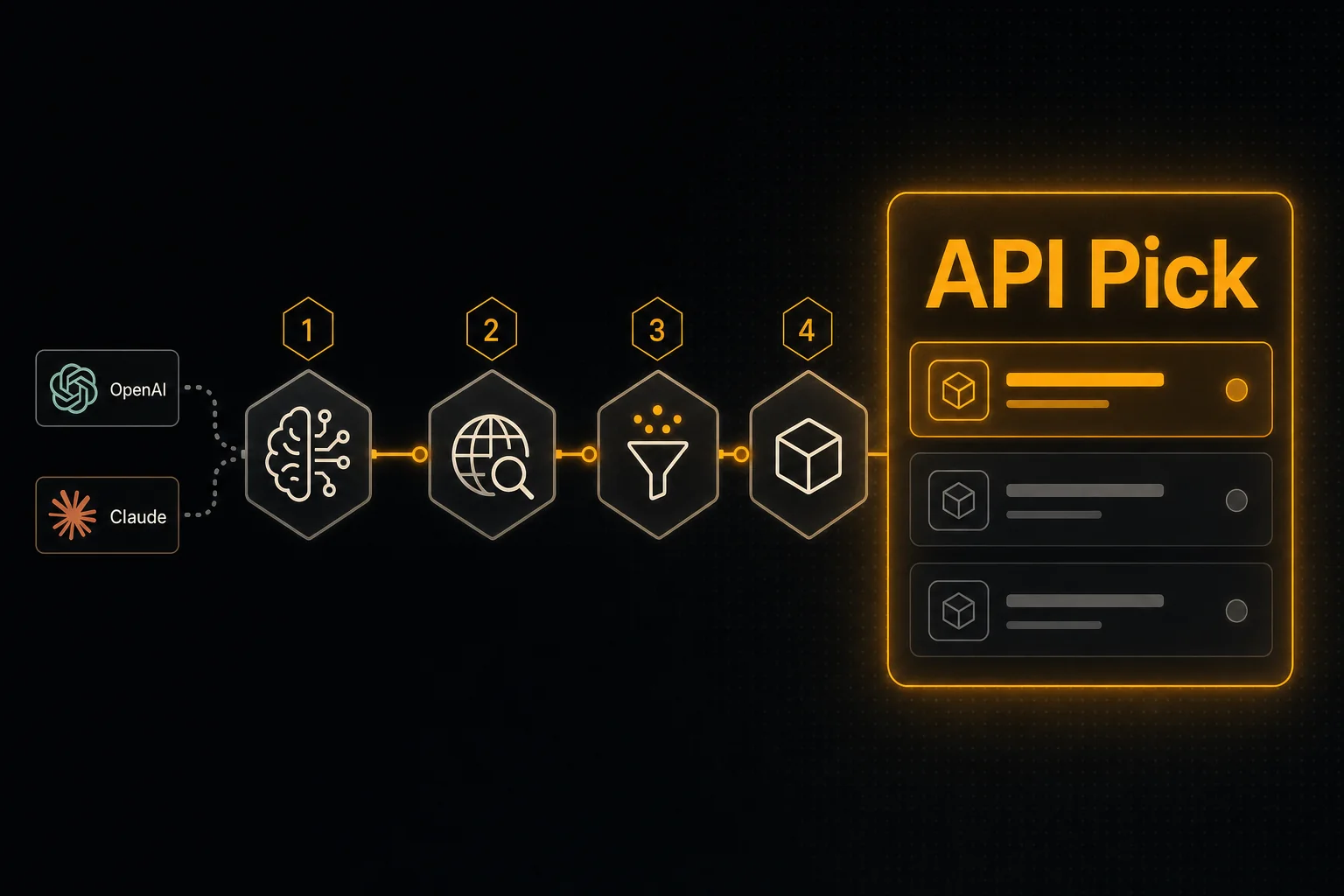
อยากให้ agent ของคุณอ้างอิงคำตอบจากข้อมูลปัจจุบันใช่ไหม คุณต้องการแค่สองอย่าง: search API ที่คืน snippet พร้อมสำหรับ LLM และนิยาม tool ที่โมเดลเรียกใช้ได้ คู่มือนี้ทำทั้งสองอย่างใน 4 ขั้นตอน
สรุปสั้น
- •ขั้นที่ 1: ขอ API key (ฟรี) แล้วลอง endpoint ด้วย curl
- •ขั้นที่ 2: ดึง tool schema ของ OpenAI/Claude ตรงจาก API — ไม่ต้องเขียน JSON ด้วยมือ
- •ขั้นที่ 3: ลงทะเบียน tool กับ agent ของคุณ (OpenAI Assistants, Anthropic Messages, LangChain หรือ n8n)
- •ขั้นที่ 4: เขียน tool handler ที่เรียก /api/search/web แล้วส่งผลลัพธ์กลับไปยังโมเดล
ทำไมบทความนี้จึงสั้น
บทแนะนำ \"เพิ่ม web search ให้ LLM ของคุณ\" ส่วนใหญ่ยาว เพราะจริง ๆ แล้วมันคือบทแนะนำเกี่ยวกับ SDK ของ search API หรือ agent framework ขนาดหนัก แต่บทความนี้ไม่ใช่ งานทั้งหมดคือ: เลือก endpoint, ลงทะเบียนเป็น tool, เขียน handler 5 บรรทัด
1ขอ API key (ฟรี) แล้วเรียก endpoint
สมัครที่ apipick.com/dashboard/api-keys บัญชีใหม่จะได้ 100 credits ฟรี — ไม่ต้องใช้บัตรเครดิต สร้าง key แล้วลอง endpoint:
curl -X POST https://www.apipick.com/api/search/web \
  -H "x-api-key: pk_yourkey" \
  -H "Content-Type: application/json" \
  -d '{"query": "what is retrieval augmented generation"}'
คุณจะได้รายการสั้น ๆ ที่จัดอันดับแล้วของชื่อเรื่อง, URL และ snippet กลับมา การยืนยันว่าใช้งานได้ใน curl ช่วยประหยัดเวลา debugging ในภายหลัง
2ดึง tool schema (อย่าเขียนด้วยมือ)
API Pick เปิดให้เข้าถึง tool schema ที่พร้อมวางได้ที่ GET /api/search/web/tool-schema ผลลัพธ์มีทั้งนิยาม function สไตล์ OpenAI และนิยาม tool use ของ Claude
curl https://www.apipick.com/api/search/web/tool-schemaทำ cache ผลลัพธ์ไว้ — มันไม่เปลี่ยนระหว่างการเรียกแต่ละครั้ง การเขียน function schema ด้วยมือเป็นต้นเหตุของ bug ที่พบบ่อยที่สุดในโค้ด agent (type ผิด, required fields ผิด, ไม่มี description)
3ลงทะเบียน tool กับ agent ของคุณ
OpenAI Assistants
from openai import OpenAI
import requests

client = OpenAI()
schema = requests.get("https://www.apipick.com/api/search/web/tool-schema").json()

assistant = client.beta.assistants.create(
    name="Research Agent",
    model="gpt-4o",
    instructions="Use web_search whenever the user asks about current events or anything that changes after your training cutoff.",
    tools=[{"type": "function", "function": schema["openai"]}],
)
Anthropic Claude
import anthropic
import requests

schema = requests.get("https://www.apipick.com/api/search/web/tool-schema").json()
client = anthropic.Anthropic()

response = client.messages.create(
    model="claude-sonnet-4-6",
    max_tokens=1024,
    tools=[schema["claude"]],
    messages=[{"role": "user", "content": "Summarise this week's RAG research."}],
)
LangChain
from langchain.tools import tool
import requests

@tool
def web_search(query: str) -> dict:
    """Real-time web search. Use for any question that needs current information."""
    return requests.post(
        "https://www.apipick.com/api/search/web",
        headers={"x-api-key": "pk_yourkey"},
        json={"query": query},
    ).json()
n8n
เพิ่ม node HTTP Request: method POST, URL https://www.apipick.com/api/search/web, header x-api-key: pk_yourkey, body JSON {"query": "{{ $json.query }}"} เชื่อมเข้ากับ node agent หรือ LLM Chain ของคุณ ไม่ต้องใช้ SDK
4จัดการการเรียก tool
สำหรับ OpenAI Assistants เมื่อ run หยุดด้วยสถานะ requires_action ให้รันการค้นหาแล้วส่ง output:
import json, time, requests
from openai import OpenAI

client = OpenAI()
KEY = "pk_yourkey"

def run_with_tool(thread_id: str, assistant_id: str):
    run = client.beta.threads.runs.create(thread_id=thread_id, assistant_id=assistant_id)
    while True:
        run = client.beta.threads.runs.retrieve(thread_id=thread_id, run_id=run.id)
        if run.status == "requires_action":
            outputs = []
            for call in run.required_action.submit_tool_outputs.tool_calls:
                if call.function.name == "web_search":
                    args = json.loads(call.function.arguments)
                    result = requests.post(
                        "https://www.apipick.com/api/search/web",
                        headers={"x-api-key": KEY},
                        json=args,
                    ).json()
                    outputs.append({"tool_call_id": call.id, "output": json.dumps(result)})
            client.beta.threads.runs.submit_tool_outputs(
                thread_id=thread_id, run_id=run.id, tool_outputs=outputs,
            )
        elif run.status in ("completed", "failed", "cancelled", "expired"):
            return run
        time.sleep(0.5)
loop ของ Anthropic Messages API คล้ายกัน — เมื่อ response มีบล็อก tool_use ให้เรียก API แล้วส่งผลลัพธ์กลับเป็นบล็อกเนื้อหา tool_result ใน turn ถัดไป
กระชับ loop ให้แน่น
- ตั้งคำอธิบาย tool จากมุมมองของโมเดล: \"Use this when the user asks about current events, breaking news, or anything that may have changed after your training cutoff.\" อย่าบอกว่า \"นี่คือ web search API\"
- ทำ cache ผลลัพธ์ใน handler เมื่อ query เดียวกันปรากฏสองครั้งในเซสชันเดียว ผลลัพธ์ web search คงที่ราว ~นาที คุณไม่จำเป็นต้องจ่าย 15 credits สองครั้งในบทสนทนาเดียวกัน
- เพิ่มตัวกรอง
start_dateเมื่อความใหม่สำคัญ \"ข่าวสัปดาห์นี้\" ที่ไม่มีตัวกรองวันที่มักคืนพาดหัวของปีที่แล้ว
ไปต่อที่ไหน
เมื่อ agent ของคุณค้นหาได้แล้ว ขั้นต่อไปตามธรรมชาติคือการอ่านหน้าที่ลิงก์ไว้ เพิ่ม URL Content Extraction API เป็น tool ที่สอง — auth เดียวกัน, รูปแบบ JSON เดียวกัน, สูงสุด 25 URL ต่อการเรียก การจับคู่ \"search + extract\" คือ agent research ที่มีประโยชน์ที่เล็กที่สุด
คำถามที่พบบ่อย
ฉันใช้สิ่งนี้กับ OpenAI Responses API แทน Assistants ได้ไหม
ได้ tool schema เดียวกันใช้ได้ใน client.responses.create() — ส่งผ่าน tools=[{...}] ตามที่เอกสารของ OpenAI แสดงไว้ทุกประการ รูปแบบของ handler เหมือนกัน: parse tool_calls, เรียก POST /api/search/web, แล้วคืน JSON
ฉันต้องจัดรูปแบบผลลัพธ์ก่อนส่งกลับไปยังโมเดลไหม
ไม่ต้อง POST /api/search/web คืน title + URL + snippet ที่เหมาะกับ LLM โดยจัดอันดับมาแล้ว ส่ง JSON ดิบกลับเป็นผลลัพธ์ของ tool ได้เลย โมเดลจะอ้างอิง snippet และลิงก์ URL ให้เอง
แต่ละ turn ของ agent มีค่าใช้จ่ายเท่าไร
การเรียก web search แต่ละครั้งคือ 15 credits (~$0.015 ที่อัตรา $5/5,000 credits) turn ทั่วไปของ agent ที่ใช้ tool หนึ่งครั้งมีค่าใช้จ่ายด้านการค้นหาต่ำกว่าหนึ่งเซนต์สหรัฐมาก — token ของ LLM ต่างหากที่เป็นต้นทุนหลัก
ถ้าโมเดลไม่เรียก tool เลยจะทำอย่างไร
ทำให้คำอธิบาย tool เจาะจง "Use this for any question that requires current or post-training information" ได้ผลดีกว่า "web search" มาก โมเดลจะเลือกใช้ tool ที่มันเข้าใจวัตถุประสงค์
ฉันจำกัดผลลัพธ์ตามประเทศหรือช่วงวันที่ได้ไหม
ได้ ส่ง country_code (ISO 3166-1 alpha-2) และ/หรือ start_date / end_date (YYYY-MM-DD) เพิ่มเป็น parameter ใน tool schema ถ้าต้องการให้โมเดลเลือกเอง หรือ hard-code ไว้ใน handler ถ้า agent ของคุณมี locale หรือข้อกำหนดด้านความใหม่ที่ตายตัว
API ที่ใช้ในบทความนี้

Sarah Choy เป็น CEO ของ API Pick เธอเขียนเกี่ยวกับการสร้าง API พร้อมใช้งานจริงสำหรับ AI agent และเวิร์กโฟลว์ LLM