Firecrawl vs Jina Reader:LLM 用 URL 擷取 API 怎麼選
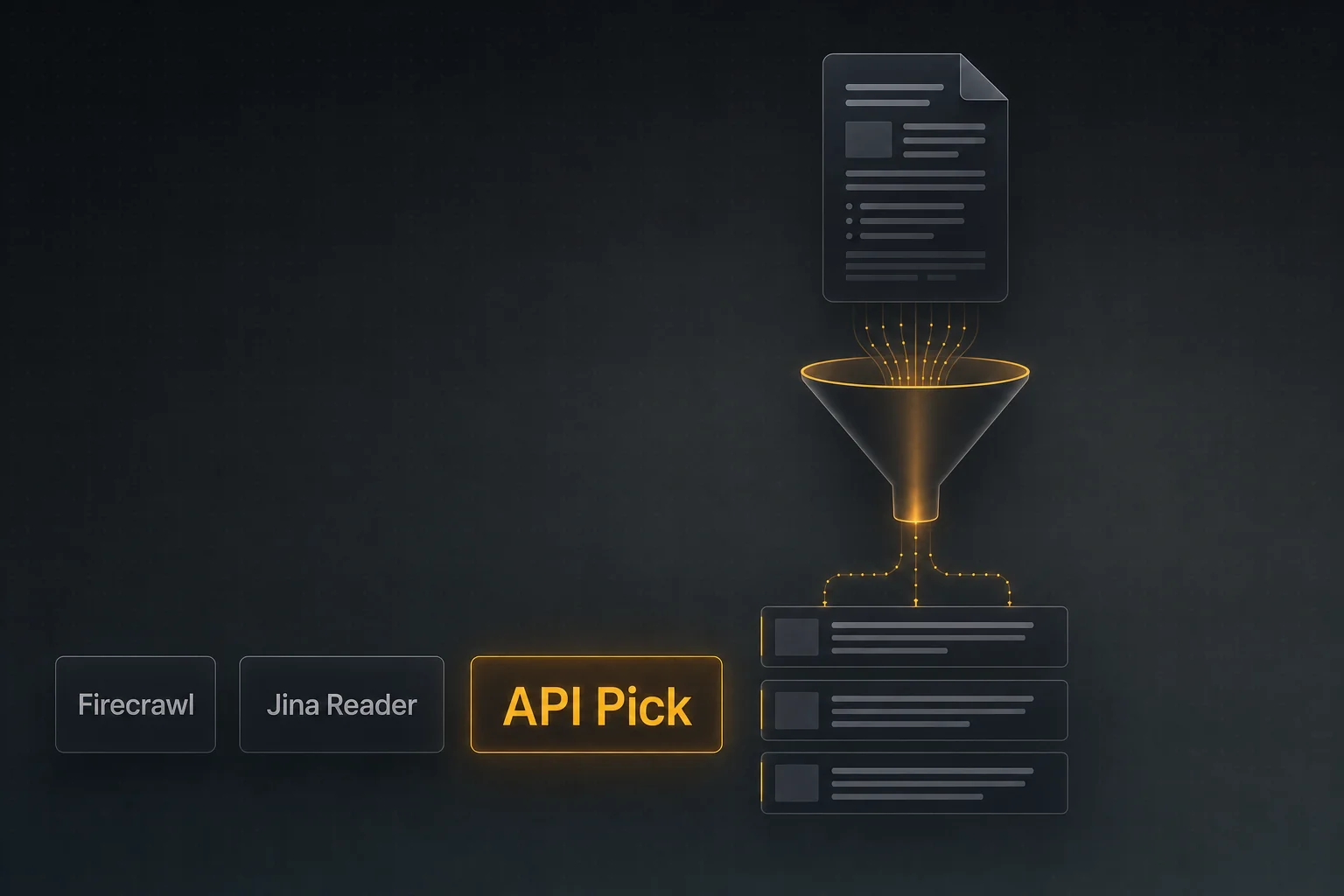
凡是寫過「讓 Agent 讀一組 URL 並摘要」的人,都被 URL 清洗那一步坑過。Firecrawl、Jina Reader、API Pick Extract 各有解法,下面是實作對比。
一句話總結
- •三家都把 URL 變成 LLM 可讀的乾淨文字/markdown,差別在批次能力、計費模型與對疑難頁面的處理。
- •需要全站爬取 + 結構化擷取一站搞定,選 Firecrawl。
- •原型階段想要 <InlineCode>r.jina.ai/<url></InlineCode> 這種零摩擦寫法,選 Jina Reader。
- •在 LLM Agent 呼叫裡要批次清洗多個 URL(一次最多 25 條)、依用量計費、只對成功扣費,選 API Pick Extract。
問題:HTML 不是 LLM 的食物
典型研究類 Agent 的迴圈是:搜尋 → 挑出最相關的 URL → 抓內容 → 摘要。第三步最容易翻車。原始 HTML 裡到處是導航、Cookie 橫幅、相關文章連結、廣告腳本。把這些直接餵模型既浪費 token,又會拉低推理品質。URL 擷取 API 的工作就是剝掉這些樣板、回傳乾淨的文字或 markdown。
Firecrawl、Jina Reader、API Pick Extract 都做這件事,差異在覆蓋範圍、人因設計與計費方式。
三家選手
Firecrawl
完整的 crawl + extract 平台。單 URL 的 scrape、整站 crawl、基於 sitemap 的 map,以及依 schema 回傳型別化 JSON 的結構化擷取端點。需要遍歷整站、或交付物是結構化資料(表格、商品、文章)而不是單純 markdown 時最合適。
Jina Reader
這一品類裡大概是「Hello World」最快的。任何 URL 前面加上 https://r.jina.ai/ 就能拿到 markdown。免費額度大方,付費檔支援更高上限。原型、Demo、單次呼叫都很合適。
API Pick Extract
以批次為先的 URL 清洗器。POST /api/extract 接 1–25 個 URL, 回傳 { url, title, content, status } 陣列,content 是 markdown 風格文字。每個 URL 2 credits,整次 HTTP 200 才扣費,extract_effort 控制 JS 重頁面的處理深度。
橫向對比表
| Firecrawl | Jina Reader | API Pick Extract | |
|---|---|---|---|
| 單 URL 擷取 | 有(scrape) | 有(r.jina.ai 前綴) | 有(1 個 URL 即一次呼叫) |
| 單次批次 | 每次 scrape 1 條;crawl 遍歷網域 | 每次 1 條(外部並行) | 最多 25 條 |
| 輸出格式 | markdown / HTML / JSON / 結構化 | markdown | markdown 風格文字 |
| 全站爬取 | 有(crawl / map) | — | — |
| JS 渲染 | 支援 | 支援 | 支援(extract_effort) |
| 計費 | 訂閱 / credit | 免費 + 付費檔 | 依用量 credit |
| 失敗扣費 | 視套餐 | 視套餐 | 整次僅 HTTP 200 扣費 |
| 最佳場景 | 爬取 + 結構化擷取 | 原型與一次性呼叫 | Agent 內批次擷取 |
批次:被低估的關鍵維度
如果 Agent 一次只讀一個 URL,批次能力可以忽略。如果一次讀 5–25 個,批次比其他維度都更重要 —— 一對一 fan out 時,每次呼叫的 auth、HTTP 建連、模型迴圈延遲,遠比單 URL 的擷取耗時大。
API Pick Extract 的批次呼叫:
curl -X POST https://www.apipick.com/api/extract \
  -H "x-api-key: pk_yourkey" \
  -H "Content-Type: application/json" \
  -d '{
    "urls": [
      "https://en.wikipedia.org/wiki/Retrieval-augmented_generation",
      "https://docs.anthropic.com/claude/docs/intro-to-claude",
      "https://platform.openai.com/docs/guides/function-calling"
    ],
    "extract_effort": "auto"
  }'
回傳:
{
  "results": [
    { "url": "...", "title": "...", "content": "Retrieval-augmented...", "status": "ok" },
    { "url": "...", "title": "...", "content": "Claude is a family...", "status": "ok" },
    { "url": "...", "title": "...", "content": "Function calling lets...", "status": "ok" }
  ],
  "result_count": 3,
  "credits_used": 6,
  "remaining_credits": 994
}
每條 URL 都有自己的 status,部分失敗不會讓整步崩掉。
「搜尋 → 擷取」組合
正式環境常見的串法:先用網頁搜尋拿 5 條 URL,再交給擷取清洗,最後讓模型基於清洗內容推理。在 API Pick 上是兩次呼叫、一致的 JSON 結構:
import requests

KEY = "pk_yourkey"

def research(query: str) -> str:
    # 1. 找信源
    s = requests.post(
        "https://www.apipick.com/api/search/web",
        headers={"x-api-key": KEY},
        json={"query": query},
    ).json()
    urls = [r["url"] for r in s["results"]]

    # 2. 清洗
    e = requests.post(
        "https://www.apipick.com/api/extract",
        headers={"x-api-key": KEY},
        json={"urls": urls, "extract_effort": "auto"},
    ).json()

    # 3. 餵模型
    return "\n\n".join(
        f"### {r['title']}\n{r['content']}"
        for r in e["results"] if r["status"] == "ok"
    )
什麼時候不該用純擷取
如果你想從頁面裡拿出有型別的物件(商品價、ISBN、作者),依 schema 的結構化擷取端點比「先抽 markdown 再 regex」可靠得多 —— Firecrawl 的結構化擷取就是為此而生。
如果你想遍歷一個網域下的所有頁面,那要的是爬蟲,不是擷取器。Firecrawl 的 crawl 直接做。在 API Pick Extract 上你會自己跑一個外部 sitemap 迴圈、按批餵進來。
快速選型
r.jina.ai/<url> 大概是世界上摩擦最低的擷取器。常見問題
把 URL 清單餵給 LLM 的最乾淨姿勢是什麼?
別貼原始 HTML。先讓擷取器把每個 URL 變成無導航/廣告的 markdown 風格文字,再把這些乾淨內容塞進上下文。API Pick Extract 一次最多接 25 個 URL,回傳 {url, title, content, status} 陣列。
API Pick Extract 會渲染 JavaScript 嗎?
會。預設 extract_effort=auto 在需要時渲染;extract_effort=high 慢一點但對 JS 重或類似付費牆的頁面更徹底。失敗的 URL 會在它對應的結果物件裡回傳 status 錯誤碼,但整次呼叫仍可成功。
Firecrawl 跟單純擷取器有什麼差別?
Firecrawl 是平台:scrape、crawl、map、依 schema 做結構化擷取。如果你需要遍歷整站,或要依 schema 拿一個有型別的 JSON,它能做到。如果只是「URL → 乾淨文字」,純擷取器更簡單也通常更便宜。
Jina Reader 是免費的嗎?
透過 r.jina.ai/<url> 前綴有蠻大的免費額度,更高額度與擴充功能走付費檔。原型階段從 0 到能用最快。
為什麼按 URL 計費而不是按呼叫?
按 URL 計費更誠實:清洗 25 個 URL 大概是清洗 1 個的 25 倍工作量。API Pick Extract 每個 URL 2 credits,5 個 URL 一批就是 10 credits。整次呼叫 HTTP 200 才扣費 —— 但呼叫內某些 URL 失敗仍會扣,因為工作量已經發生。
本文使用的 API

Sarah Choy 是 API Pick 的 CEO,專注於為 AI Agent 與 LLM 工作流打造可用於正式環境的 API。