4 步给 OpenAI / Claude Agent 接入实时网页搜索
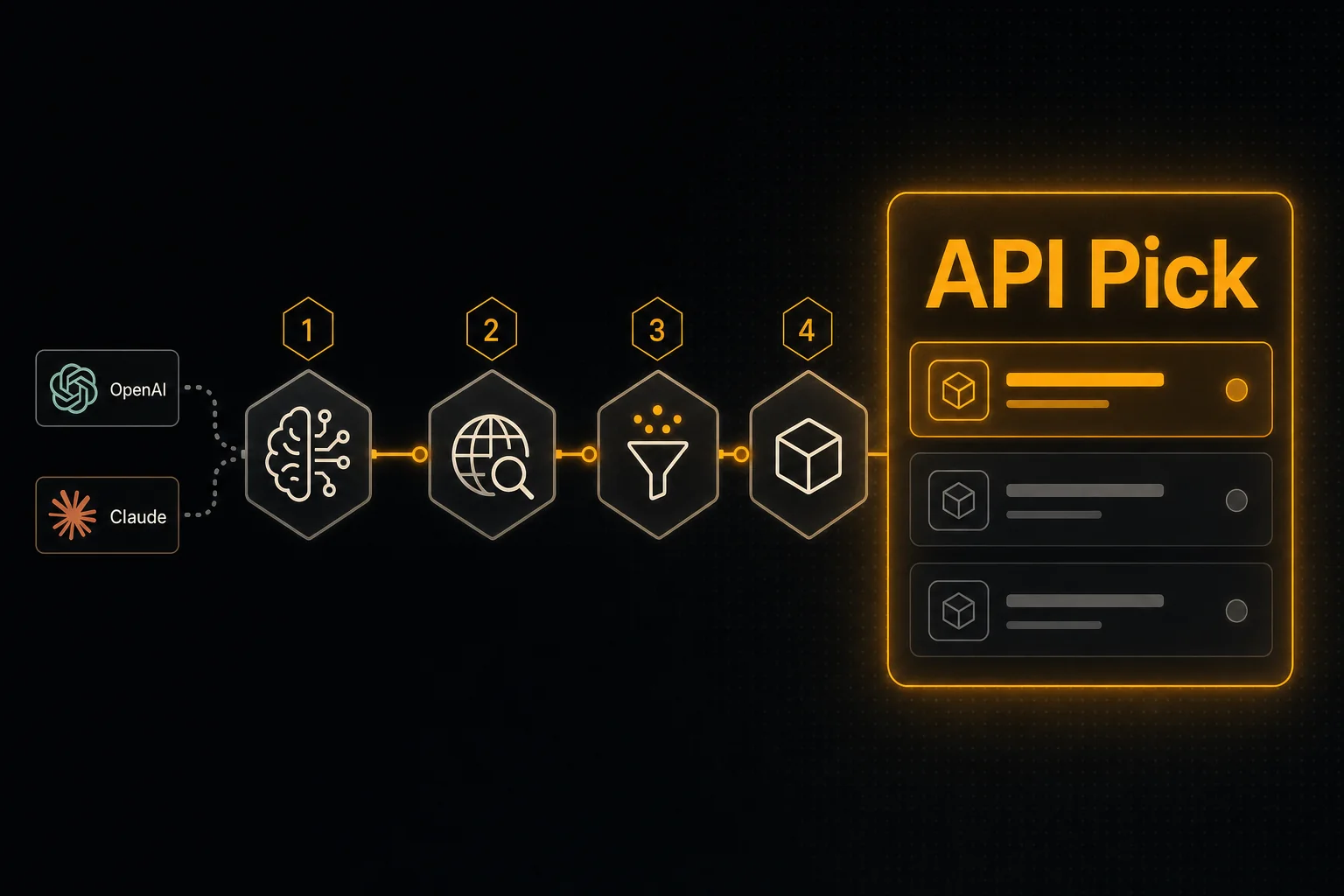
想让 Agent 的回答基于最新信息?只要两样东西:一个返回 LLM 友好 snippet 的搜索 API,加一个模型能调用的 tool 定义。本文把这两件事拆成 4 步。
一句话总结
- •Step 1:创建免费 API key,先用 curl 跑通端点。
- •Step 2:直接从 API 拉 OpenAI / Claude 的 tool schema —— 不要手写 JSON。
- •Step 3:把 tool 注册到 Agent(OpenAI Assistants、Anthropic Messages、LangChain 或 n8n)。
- •Step 4:写 tool handler 调 /api/search/web,把结果回写给模型。
为什么这篇短
大多数「给 LLM 加网页搜索」的教程之所以长,是因为它们其实在教某个搜索 SDK 或某个重型 Agent 框架。本文不是。整件事就是:选一个端点 → 注册成 tool → 写一个 5 行 handler。
1拿到免费 API key 并跑通端点
到 apipick.com/dashboard/api-keys 注册,新账号送 100 credits,无需信用卡。建一个 key,然后:
curl -X POST https://www.apipick.com/api/search/web \
  -H "x-api-key: pk_yourkey" \
  -H "Content-Type: application/json" \
  -d '{"query": "what is retrieval augmented generation"}'
会拿到一个精简的 ranked 列表:title、URL、snippet。先在 curl 里跑通能省掉很多后续 debug 时间。
2直接拉 tool schema(别手写)
API Pick 在 GET /api/search/web/tool-schema 上提供「贴上即用」的 tool schema,里面同时给了 OpenAI function 定义和 Claude tool use 定义。
curl https://www.apipick.com/api/search/web/tool-schema把结果缓存住 —— 它不会经常变。手写 function schema 是 Agent 代码里最容易踩坑的地方(类型错、required 错、description 缺失)。
3把 tool 注册到 Agent
OpenAI Assistants
from openai import OpenAI
import requests

client = OpenAI()
schema = requests.get("https://www.apipick.com/api/search/web/tool-schema").json()

assistant = client.beta.assistants.create(
    name="Research Agent",
    model="gpt-4o",
    instructions="Use web_search whenever the user asks about current events or anything that changes after your training cutoff.",
    tools=[{"type": "function", "function": schema["openai"]}],
)
Anthropic Claude
import anthropic
import requests

schema = requests.get("https://www.apipick.com/api/search/web/tool-schema").json()
client = anthropic.Anthropic()

response = client.messages.create(
    model="claude-sonnet-4-6",
    max_tokens=1024,
    tools=[schema["claude"]],
    messages=[{"role": "user", "content": "Summarise this week's RAG research."}],
)
LangChain
from langchain.tools import tool
import requests

@tool
def web_search(query: str) -> dict:
    """Real-time web search. Use for any question that needs current information."""
    return requests.post(
        "https://www.apipick.com/api/search/web",
        headers={"x-api-key": "pk_yourkey"},
        json={"query": query},
    ).json()
n8n
加一个 HTTP Request 节点:方法 POST、URL https://www.apipick.com/api/search/web、Header x-api-key: pk_yourkey、JSON Body {"query": "{{ $json.query }}"}。把它接到 Agent 节点或 LLM Chain 节点上。不需要 SDK。
4处理 tool 调用
OpenAI Assistants 的 run 在 requires_action 状态停下时,跑搜索并提交结果:
import json, time, requests
from openai import OpenAI

client = OpenAI()
KEY = "pk_yourkey"

def run_with_tool(thread_id: str, assistant_id: str):
    run = client.beta.threads.runs.create(thread_id=thread_id, assistant_id=assistant_id)
    while True:
        run = client.beta.threads.runs.retrieve(thread_id=thread_id, run_id=run.id)
        if run.status == "requires_action":
            outputs = []
            for call in run.required_action.submit_tool_outputs.tool_calls:
                if call.function.name == "web_search":
                    args = json.loads(call.function.arguments)
                    result = requests.post(
                        "https://www.apipick.com/api/search/web",
                        headers={"x-api-key": KEY},
                        json=args,
                    ).json()
                    outputs.append({"tool_call_id": call.id, "output": json.dumps(result)})
            client.beta.threads.runs.submit_tool_outputs(
                thread_id=thread_id, run_id=run.id, tool_outputs=outputs,
            )
        elif run.status in ("completed", "failed", "cancelled", "expired"):
            return run
        time.sleep(0.5)
Anthropic Messages 的循环类似 —— 当 response 里出现 tool_use 块,调 API,把结果作为下一轮的 tool_result 内容块发回去。
把循环跑得更稳
- tool description 要从模型的视角写:「Use this when the user asks about current events, breaking news, or anything that may have changed after your training cutoff.」别只写「这是一个网页搜索 API」。
- 在 handler 里对同一会话里重复出现的相同 query 做缓存。搜索结果在分钟级是稳定的,没必要在同一对话里付两次 15 credits。
- 对新鲜度敏感时加
start_date。「这周的新闻」如果不加日期过滤,常常返回去年的标题。
下一步
Agent 会搜索之后,自然该会读链接。把 URL 内容抽取 API 注册成第二个 tool —— 同样的 auth、同样的 JSON 结构、一次最多 25 个 URL。「搜索 + 抽取」就是最小可用的研究 Agent。
常见问题
我用 OpenAI Responses API 而不是 Assistants,可以吗?
可以。同一份 tool schema 直接在 client.responses.create() 里通过 tools=[{...}] 传入即可。处理姿势完全一致:解析 tool_calls,调用 POST /api/search/web,把 JSON 返回。
结果需要再格式化一遍才回给模型吗?
不需要。POST /api/search/web 返回的就是 ranked 的 title + URL + LLM 友好 snippet。原样回给模型即可,模型会引用 snippet、链接 URL。
每个 Agent turn 大约多少钱?
每次 web 搜索 15 credits(按 $5/5,000 折算约 $0.015)。一个典型 Agent turn 用到一次搜索远低于 1 美分 —— 真正花钱的是 LLM token。
如果模型从来不调用工具怎么办?
把 tool description 写得具体。「Use this for any question that requires current or post-training information」远比「web search」更管用。模型会根据「这个 tool 是干什么的」来决定走不走它。
可以限定国家或日期范围吗?
可以。传 country_code(ISO 3166-1 alpha-2)和/或 start_date / end_date(YYYY-MM-DD)。要让模型自行选择,就在 tool schema 里把它们当参数;如果你的 Agent 有固定的 locale 或新鲜度要求,直接在 handler 里写死即可。
本文涉及的 API

Sarah Choy 是 API Pick 的 CEO,专注于为 AI Agent 与 LLM 工作流构建可用于生产的 API。