Firecrawl vs Jina Reader: Welcher URL-Extraktor für LLMs?
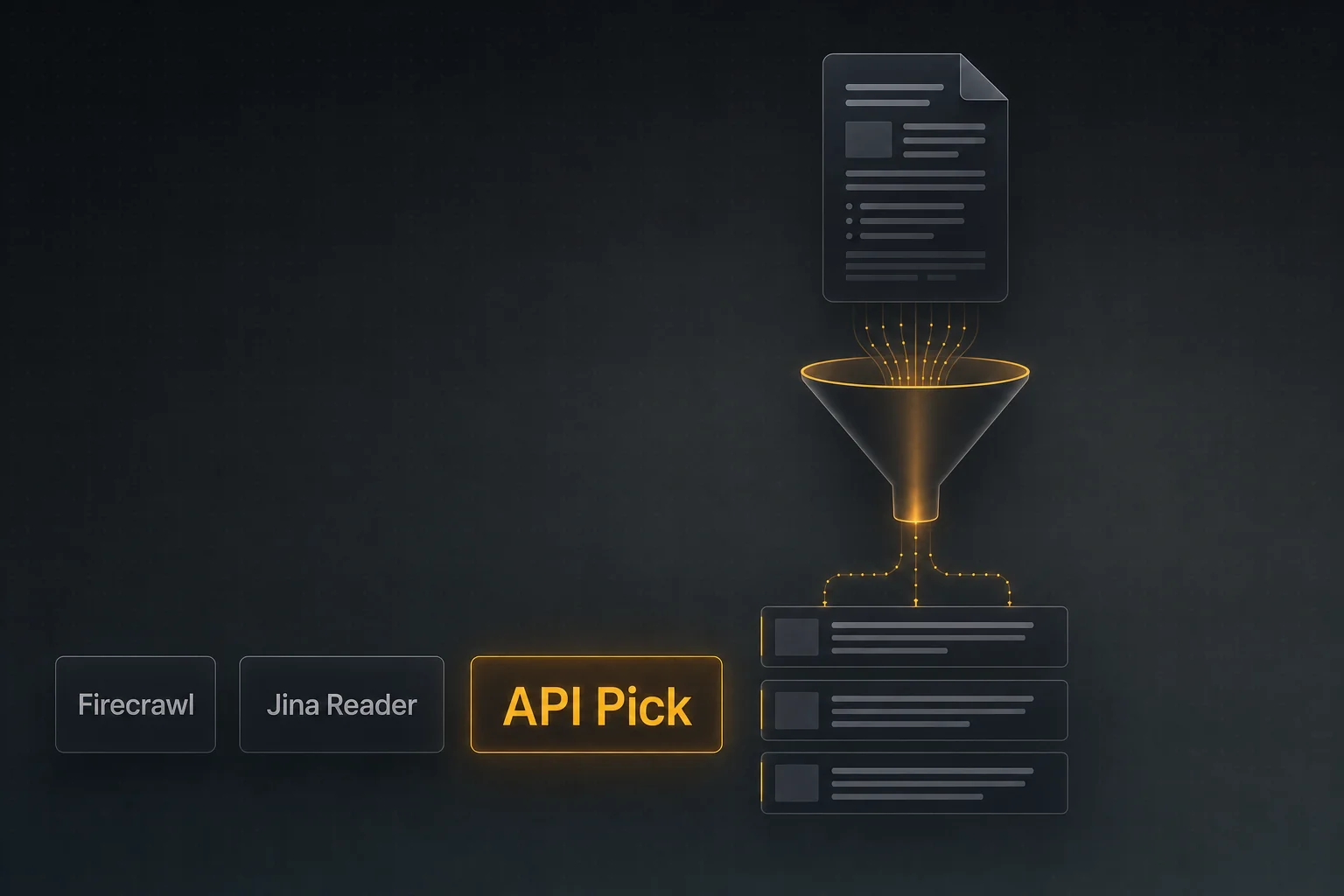
Wer einmal einen Agenten gebaut hat, der eine URL-Liste liest und zusammenfasst, kennt die URL-Aufräum-Steuer. Firecrawl, Jina Reader und API Pick Extract lösen sie verschieden — hier der Praxisvergleich.
Auf einen Blick
- •Alle drei wandeln URLs in LLM-fertigen Text/Markdown — der Unterschied liegt in Batch, Preismodell und Umgang mit schwierigen Seiten.
- •Komplettes Site-Crawling + strukturierte Extraktion → Firecrawl.
- •Prototyping mit <InlineCode>r.jina.ai/<url></InlineCode> → Jina Reader.
- •Batch-URL-Reinigung im LLM-Tool-Loop (bis 25 pro Aufruf), Pay-as-you-go, nur bei Erfolg → API Pick Extract.
Das Problem: HTML ist kein LLM-Futter
Ein typischer Recherche-Agent läuft so: suchen → relevanteste URLs auswählen → Inhalt holen → zusammenfassen. An Schritt drei scheitert man. Rohes HTML ist voll von Navigation, Cookie-Bannern, verwandten Artikeln und Werbeskripten. Das direkt ins Modell zu kippen verschwendet Tokens und verschlechtert das Reasoning. URL-Extraktions-APIs entfernen den Boilerplate und liefern sauberen Text oder Markdown.
Firecrawl, Jina Reader und API Pick Extract machen alle das — sie unterscheiden sich in Umfang, Ergonomie und Preisgestaltung.
Die drei
Firecrawl
Vollständige Crawl-und-Extract-Plattform. Single-URL scrape, Site crawl, sitemap-basiertes map und ein strukturierter Extraktions-Endpoint, der mit Schema typisiertes JSON liefert. Stark, wenn du eine ganze Site durchgehen oder strukturierte Daten (Tabellen, Produkte, Artikel) statt nur Markdown willst.
Jina Reader
Wahrscheinlich das schnellste 'Hello world' der Kategorie. Einer beliebigen URL https://r.jina.ai/ voranstellen, Markdown bekommen. Großzügiges Free-Tier, kostenpflichtige Stufen für höhere Limits. Hervorragend für Prototypen, Demos und einmalige Calls.
API Pick Extract
Batch-orientierter URL-Reiniger. POST /api/extract nimmt 1–25 URLs und liefert ein { url, title, content, status }-Array; content ist markdownartiger Text. 2 Credits pro URL, abgerechnet nur bei HTTP 200 des Gesamtaufrufs. extract_effort steuert die Tiefe für JS-lastige Seiten.
Direktvergleich
| Firecrawl | Jina Reader | API Pick Extract | |
|---|---|---|---|
| Single-URL-Extraktion | Ja (scrape) | Ja (r.jina.ai-Vorsilbe) | Ja (1 URL = 1 Aufruf) |
| Batch pro Aufruf | 1 pro scrape; crawl durchläuft Domain | 1 pro Aufruf (extern parallelisieren) | Bis zu 25 |
| Output-Formate | Markdown / HTML / JSON / strukturiert | Markdown | Markdownartiger Text |
| Site-Crawl | Ja (crawl/map) | — | — |
| JS-Rendering | Ja | Ja | Ja (extract_effort) |
| Preismodell | Abo / Credits | Free + Paid | Pay-as-you-go-Credits |
| Bei Fehlern abgerechnet? | Plan-abhängig | Plan-abhängig | Nur HTTP 200 insgesamt |
| Bestes Einsatzfeld | Crawl + strukturierte Extraktion | Prototypen, Einzelaufrufe | Batch-Extraktion in LLM-Tools |
Batch: die unterschätzte Achse
Wenn dein Agent meist eine URL nach der anderen liest, ist Batch egal. Bei 5–25 URLs pro Schritt ist Batch wichtiger als alles andere — der Overhead pro Aufruf (Auth, HTTP-Aufbau, Modell-Latenz) dominiert die eigentliche Extraktionszeit, wenn du einzeln fan-outst.
Mit API Pick Extract sieht ein Batch-Aufruf so aus:
curl -X POST https://www.apipick.com/api/extract \
  -H "x-api-key: pk_yourkey" \
  -H "Content-Type: application/json" \
  -d '{
    "urls": [
      "https://en.wikipedia.org/wiki/Retrieval-augmented_generation",
      "https://docs.anthropic.com/claude/docs/intro-to-claude",
      "https://platform.openai.com/docs/guides/function-calling"
    ],
    "extract_effort": "auto"
  }'
Antwort:
{
  "results": [
    { "url": "...", "title": "...", "content": "Retrieval-augmented...", "status": "ok" },
    { "url": "...", "title": "...", "content": "Claude is a family...", "status": "ok" },
    { "url": "...", "title": "...", "content": "Function calling lets...", "status": "ok" }
  ],
  "result_count": 3,
  "credits_used": 6,
  "remaining_credits": 994
}Pro-URL-status-Codes verhindern, dass Teilfehler den ganzen Agentenschritt kippen.
Search → Extract als Loop
Häufiges Produktionsmuster: Web-Search liefert 5 URLs, Extract reinigt, das LLM reasoned über das gereinigte Material. In API Pick zwei Aufrufe mit konsistenter JSON-Form:
import requests

KEY = "pk_yourkey"

def research(query: str) -> str:
    # 1. Quellen finden
    s = requests.post(
        "https://www.apipick.com/api/search/web",
        headers={"x-api-key": KEY},
        json={"query": query},
    ).json()
    urls = [r["url"] for r in s["results"]]

    # 2. Aufräumen
    e = requests.post(
        "https://www.apipick.com/api/extract",
        headers={"x-api-key": KEY},
        json={"urls": urls, "extract_effort": "auto"},
    ).json()

    # 3. An das LLM übergeben
    return "\n\n".join(
        f"### {r['title']}\n{r['content']}"
        for r in e["results"] if r["status"] == "ok"
    )
Wenn reine Extraktion nicht das richtige Werkzeug ist
Brauchst du ein typisiertes Objekt aus einer Seite (Preis, ISBN, Autor), ist ein Schema-basierter strukturierter Extraktions-Endpoint zuverlässiger als 'Markdown extrahieren und Regex'. Firecrawls strukturierte Extraktion ist genau dafür da.
Sollst du jede Seite einer Domain durchgehen, brauchst du einen Crawler, keinen Extractor. Firecrawls crawl macht das. Mit API Pick Extract baust du eine externe Sitemap-Schleife und schickst Batches.
Schnellauswahl
r.jina.ai/<url> ist vermutlich der reibungsärmste Extractor überhaupt.Häufig gestellte Fragen
Wie übergibt man eine URL-Liste am saubersten an ein LLM?
Kein rohes HTML einfügen. Erst durch einen Extractor in markdownartigen Text ohne Navigation/Werbung umwandeln, dann in den Kontext geben. API Pick Extract nimmt bis zu 25 URLs pro Aufruf und liefert ein {url, title, content, status}-Array.
Rendert API Pick Extract JavaScript?
Ja. Standardmäßig extract_effort=auto; extract_effort=high ist langsamer, aber gründlicher bei JS-lastigen oder paywall-ähnlichen Seiten. Fehler-URLs liefern einen Statuscode pro Eintrag — der Aufruf gilt insgesamt trotzdem als erfolgreich.
Worin unterscheidet sich Firecrawl vom reinen Extractor?
Firecrawl ist eine Plattform: scrape, crawl, map, schema-basierte strukturierte Extraktion. Wenn du eine ganze Site durchgehen oder typisierte JSON-Daten brauchst, macht Firecrawl das. Geht es nur um 'URL → sauberer Text', ist ein reiner Extractor einfacher und meist günstiger.
Ist Jina Reader kostenlos?
Über die r.jina.ai/<url>-Vorsilbe gibt es ein großzügiges Free-Tier; höhere Limits und Zusatzfunktionen sind kostenpflichtig. Schnellster Weg vom Null zum funktionierenden Extractor in Prototypen.
Warum pro URL statt pro Aufruf abrechnen?
Pro-URL-Abrechnung ist ehrlich: 25 URLs zu reinigen ist ungefähr 25× so viel Arbeit wie eine. API Pick Extract kostet 2 Credits pro URL — eine Batch mit 5 URLs sind 10 Credits. Credits werden nur bei HTTP 200 für den Gesamtaufruf abgezogen, einzelne fehlgeschlagene URLs darin werden trotzdem berechnet, weil die Arbeit angefallen ist.
APIs in diesem Artikel

Sarah Choy ist CEO von API Pick. Sie schreibt über produktionsreife APIs für KI-Agenten und LLM-Workflows.